×1.0
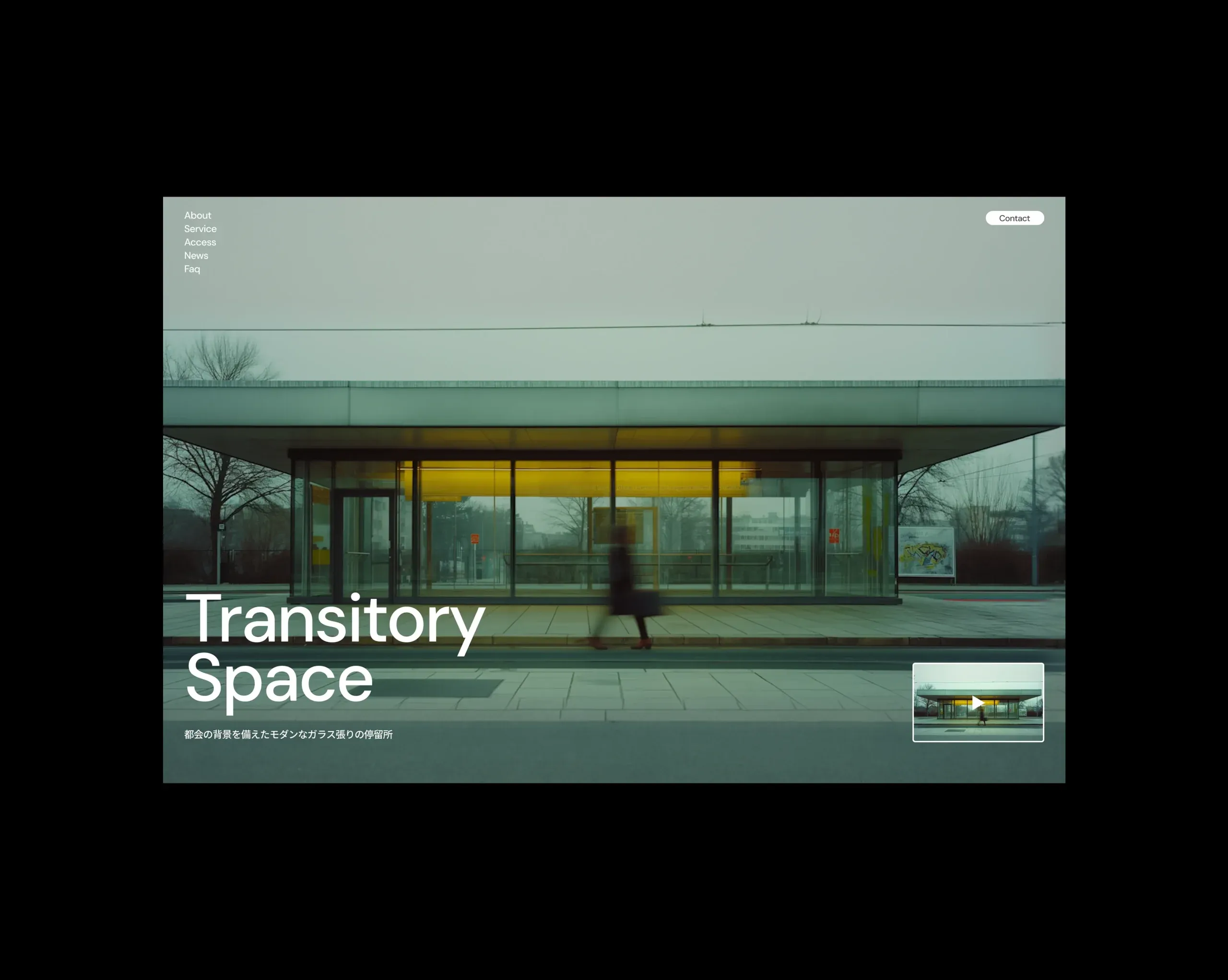
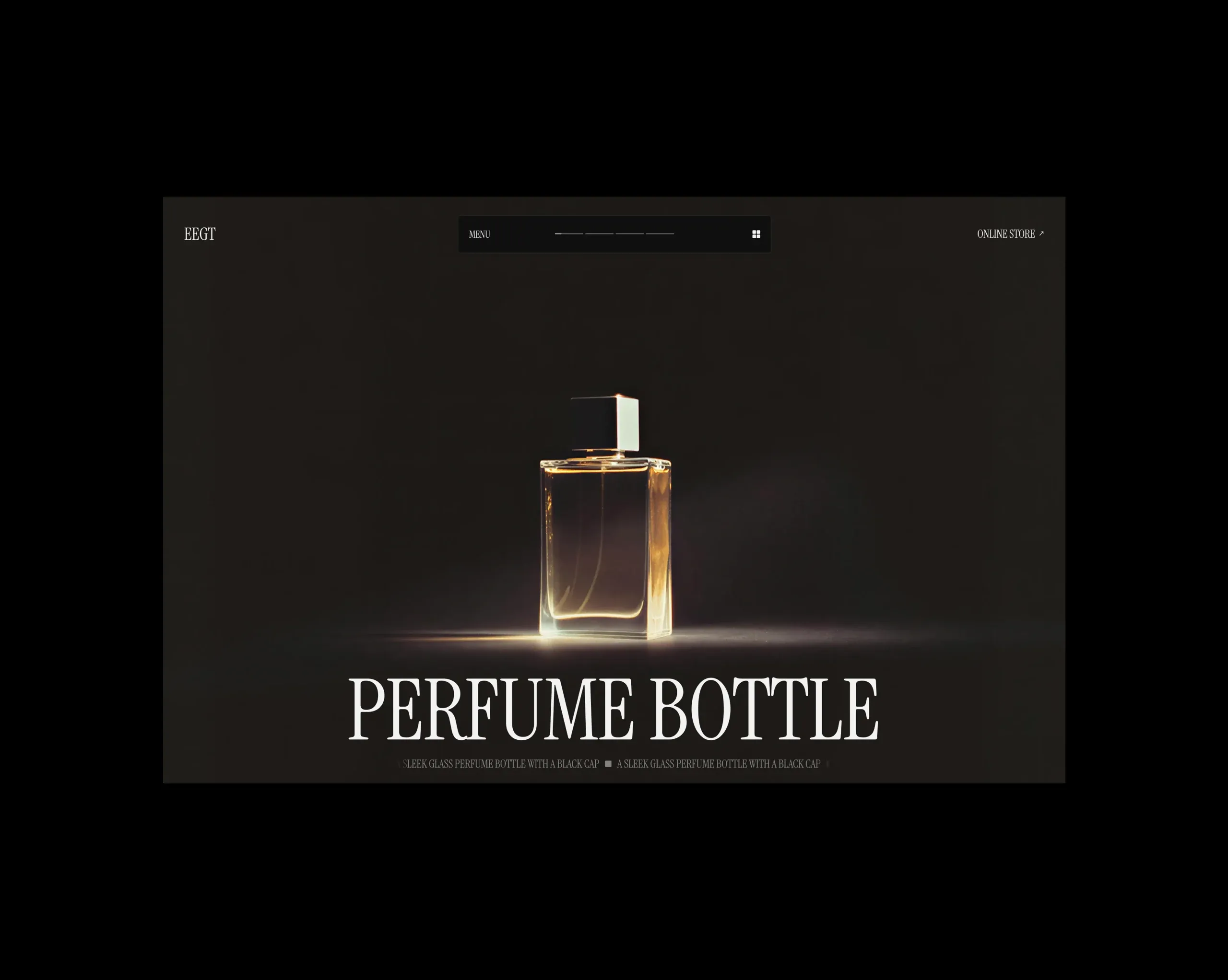
midjourneyで作成した画像をもとに、ChatGPTで各マップの作成を依頼。そのマップを元にWeb上でインタラクティブな表現として具現化する試作
Using an image created in Midjourney as the base, I asked ChatGPT to generate the various maps. Based on those maps, I experimented with translating them into an interactive expression on the web.
シンプルな要素でも大量に描画して動かしたら、面白い絵ができるのではないかと考えて試作してみました。難しいことをしなくても、数があるとインパクトのある絵にすることができました。
I prototyped this after wondering whether rendering and animating a large number of simple elements could create an interesting visual. Even without doing anything complex, the sheer quantity was enough to make it impactful.
流体を使ったインタラクティブな表現に挑戦しました。水面に触れているかのような体験を実現できました。
I experimented with an interactive fluid-based expression and was able to create an experience that feels like touching the surface of water.
大量のボックスに対して、1枚の絵を描画する実装を行いました。この演出は拡張できる可能性を感じられました。
I implemented a method to render a single image across a large number of boxes. This approach felt expandable, with a lot of potential for further development.
マウストレイルを実装しました。ミックスブレンドにより、様々な場面で活用できそうな表現だと感じています。
I implemented a mouse trail effect. Using mix-blend-mode, it feels like a versatile expression that could work in a variety of contexts.
Google Fontsにあるフォントを活用して、メインビジュアルの試作を行いました。
I prototyped a main visual using fonts available on Google Fonts.
自動で動く流体演出を試作しました。モノクロとカラーをミックスすることによって、使用する絵によって印象を大きく変化できそうな雰囲気を感じています。
I prototyped an automatically moving fluid effect. By mixing monochrome and color, it feels like the overall impression could shift dramatically depending on the imagery used.
プラグインを活用してカレント状態が視覚的に理解できるスライダーを作成しました。
We created a slider that uses plugins to make the current state visually easy to understand.
カーソルに向かって方向が変わる演出を実装しました。多くのサイトで活用されている本演出は、視覚的な面白さと楽しさを感じられるものだと再認識できました。
I implemented an effect where elements change direction toward the cursor. Since this pattern is used across many websites, it reaffirmed for me how it can add both visual interest and a sense of playfulness.
物理演算ライブラリを活用した演出を実装しました。ウェブサイトではあまり取り入れられる機会はないものの非常に絵として面白くできるところが良いと感じられました。
I implemented an effect using a physics engine library. While it’s not something that’s often used on websites, I found it compelling because it can produce highly interesting visuals.
カラーとモノクロを行き来するマウストレイルを実装しました。最低限の動きになっていますが、ここから更に拡張できそうな可能性を秘めていると感じています。
I implemented a mouse trail that shifts between color and monochrome. The motion is minimal for now, but it feels like a foundation with plenty of room to expand.
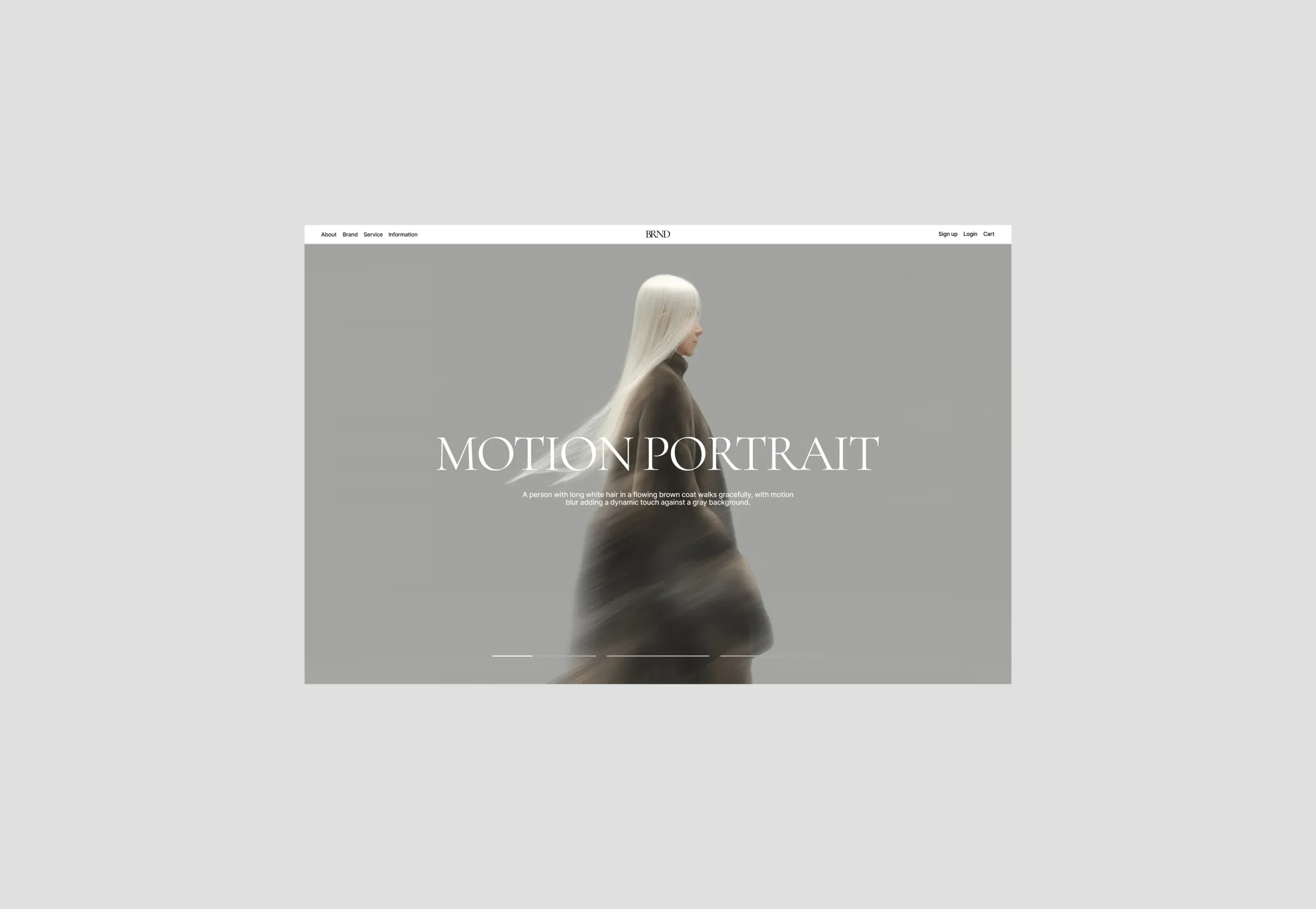
Google Fontsにあるフォントを活用してメインビジュアルを試作しました。エレガントさを演出できるように意識しています。
I prototyped a main visual using fonts from Google Fonts, with a focus on creating an elegant feel.
スクロールに連動する画像切り替えを実装しました。連続するように変化が起きるので視覚的な不思議さを演出できる点が案件でも活用できそうだと感じています。
I implemented a scroll-synced image transition. Because the changes happen continuously, it creates a visually intriguing, almost uncanny effect—something that feels applicable to real client work as well.
クリップパスを活用して連続的な変形を実装しました。難しい技術を使わなくても工夫することで、新しい表現もできることに気づくことができました。
I implemented a continuous morphing effect using clip-path. It made me realize that even without advanced techniques, thoughtful experimentation can still lead to new expressions.
海外アワードサイトで用いられるような表現を実装しました。パララックスとクリップパスによる奥行き感の演出が際立つ動きだと感じています。
I implemented an effect often seen on international award-winning sites. The combination of parallax and clip-path creates a motion with a strong sense of depth.
複数ノイズを合わせた絵作りに挑戦しました。ノイズ量や色も変更できるので、様々な絵が作れて汎用性の高さを感じられています。
I experimented with building visuals by combining multiple layers of noise. Since the noise amount and colors can be adjusted, it feels highly versatile and capable of producing many different looks.
トーラス状のオブジェクトに合わせてパーティクルを配置する実装を行いました。図形自体は難しいものでなくても、それを活用してパーティクルなので珍しい形に変化させたりと奥深さを感じました。
I implemented a setup that places particles along a torus-shaped object. Even though the base geometry isn’t complex, using it as a guide let me transform the particles into unusual forms, which made me realize how much depth this approach can have.
Blenderで作成されたモデルを書き出し、ウェブ上でも質感を保って描画できるか実験した作品です。
This piece is an experiment in exporting a model created in Blender and rendering it on the web while preserving its material quality.
Google Fontsにあるフォントを使って、ファッションサイトのトップページメインビジュアルをイメージしたデザインを作成しました。
I created a design inspired by the main visual of a fashion brand’s homepage, using fonts from Google Fonts.
マウスとの距離の応じて変化する動きを試作しました。サイズや色など様々変化させられるので、案件でも使っていけそうな手法だと感じています。
I prototyped a motion effect that changes based on the cursor’s distance. Since it can be tuned in many ways—size, color, and more—it feels like a technique that could be applied to client work as well.
ポインターイベントを活用した演出を実験した時の作品です。実際に引っ張っているかのように感じられるよう値を調整しています。
This piece is from an experiment using pointer events. I tuned the values to make it feel as if you’re actually pulling and dragging the element.
マウスに画像が追従するインタラクティブな表現を実装しました。画像を印象的にしたりサイト内のアクセントとして機能しそうな表現だと感じています。
I implemented an interactive effect where images follow the cursor. It feels like a strong way to make imagery more memorable and add an accent within a site.
リキッドグラスに近い質感の表現を試作しました。
I prototyped a material effect with a texture close to liquid glass.
マウスインタラクティブとThree.jsでのエフェクトを組み合わせて試作しました。
I created a prototype by combining mouse interaction with effects built in Three.js.
画像の変形とモーションブラーを組み合わせた表現を試作しました。
I prototyped an effect that combines image distortion with motion blur.